

Security Check
In the modern working world, information has become a critical resource. Its protection is not only a technical challenge but a strategic necessity for every organization. ISMS modeling (Information Security Management System) forms the heart of a systematic approach to information security.
Why is ISMS modeling relevant?
Section titled “Why is ISMS modeling relevant?”Information is an organization’s “knowledge” – an essential resource for modern management systems. The structured modeling of security requirements enables:
- Meet compliance requirements systematically (ISO 27001, BSI IT-Grundschutz)
- Assess and treat security risks object by object
- Apply protective measures precisely to assets (TOGs) and scopes
- Stay audit-ready through traceable documentation
Core Concepts of ISMS Modeling
Section titled “Core Concepts of ISMS Modeling”The Four Pillars of Security Modeling
Section titled “The Four Pillars of Security Modeling”ISMS modeling is based on four central security objects that build upon each other:
Note: This approach follows both the ISO and the BSI standard. You can leave out whichever set of functions does not apply to you.
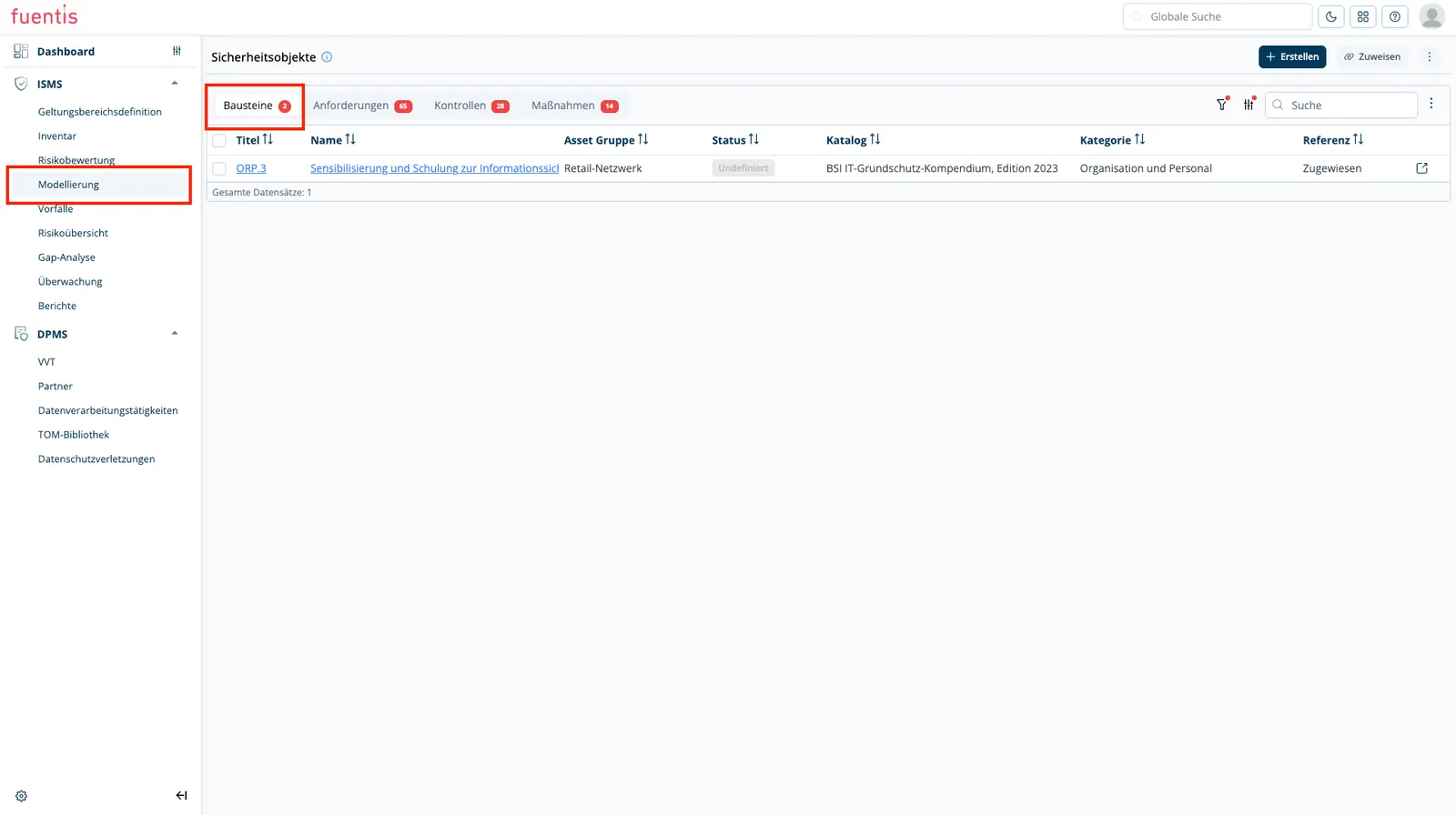
1. Modules
Section titled “1. Modules”Modules are thematic groupings of security requirements, threats, and measures.
Properties:
- Categorization by protection areas (e.g., network security, access control)
- Link with TOGs (Target Objects) and scopes
- Automatic status calculation based on linked requirements
- Audit tracking with documentation of audit cycles
Navigation: ISMS → Modeling
2. Requirements
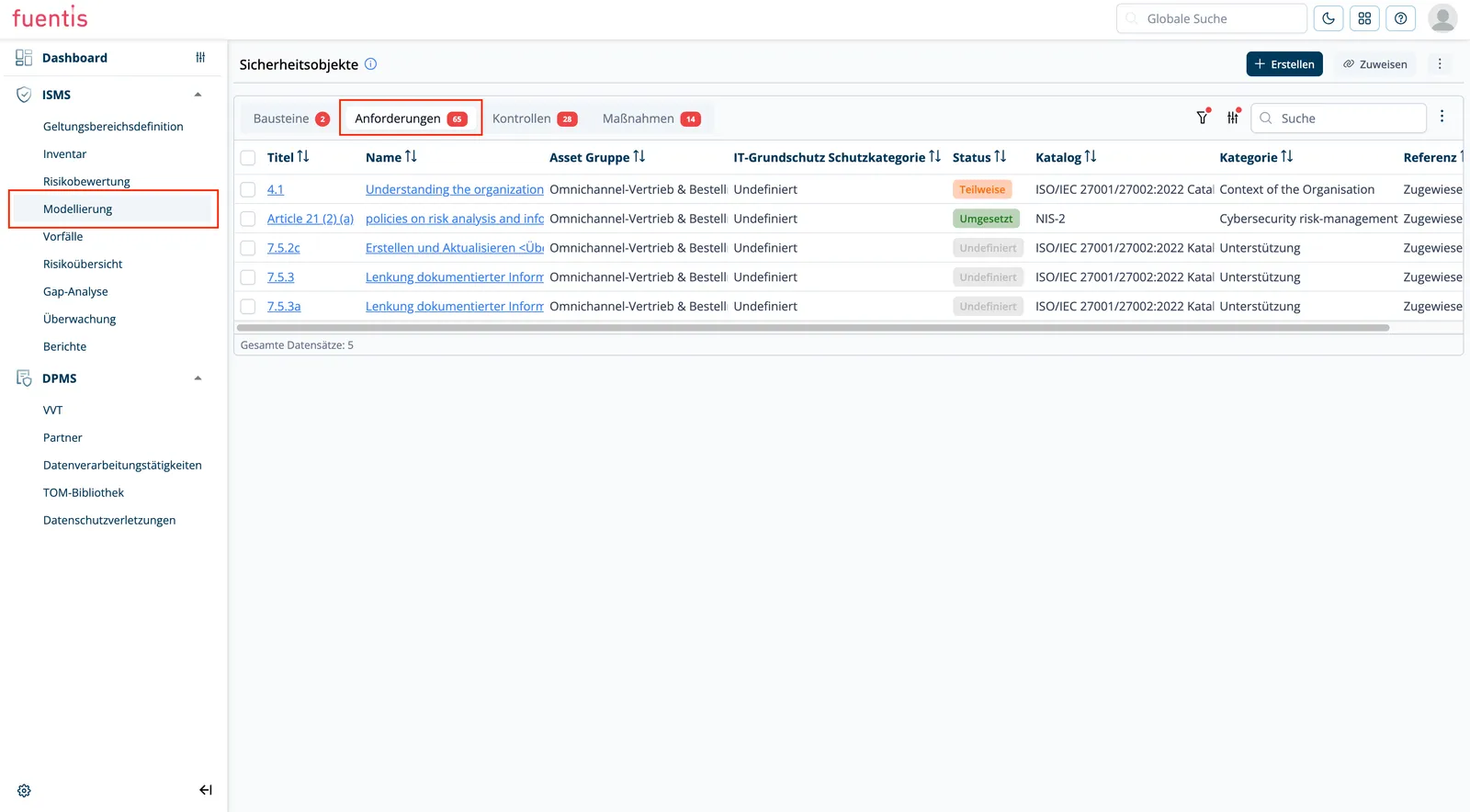
Section titled “2. Requirements”Concrete security specifications that must be fulfilled to ensure protection.
Properties:
- Detailed description of the security specification
- Implementation status (Implemented, Partial, Not implemented, Dispensable)
- Link with review questions for audits
- Assignment to superordinate modules
3. Measures
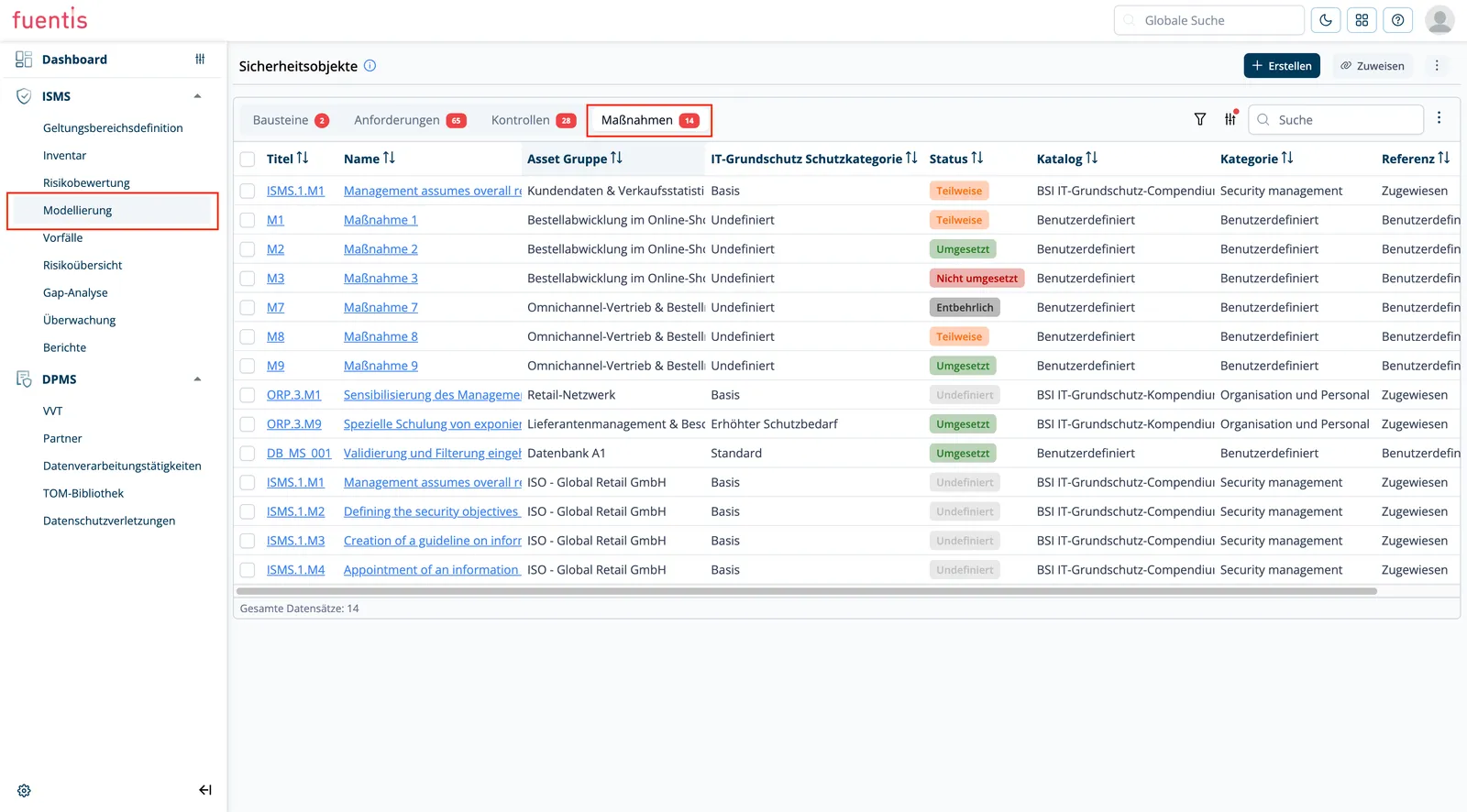
Section titled “3. Measures”Practical implementation steps to fulfill the requirements.
Properties:
- Concrete action instructions
- Responsibility assignment
- Temporal planning and prioritization
- Link with multiple requirements possible
4. Controls
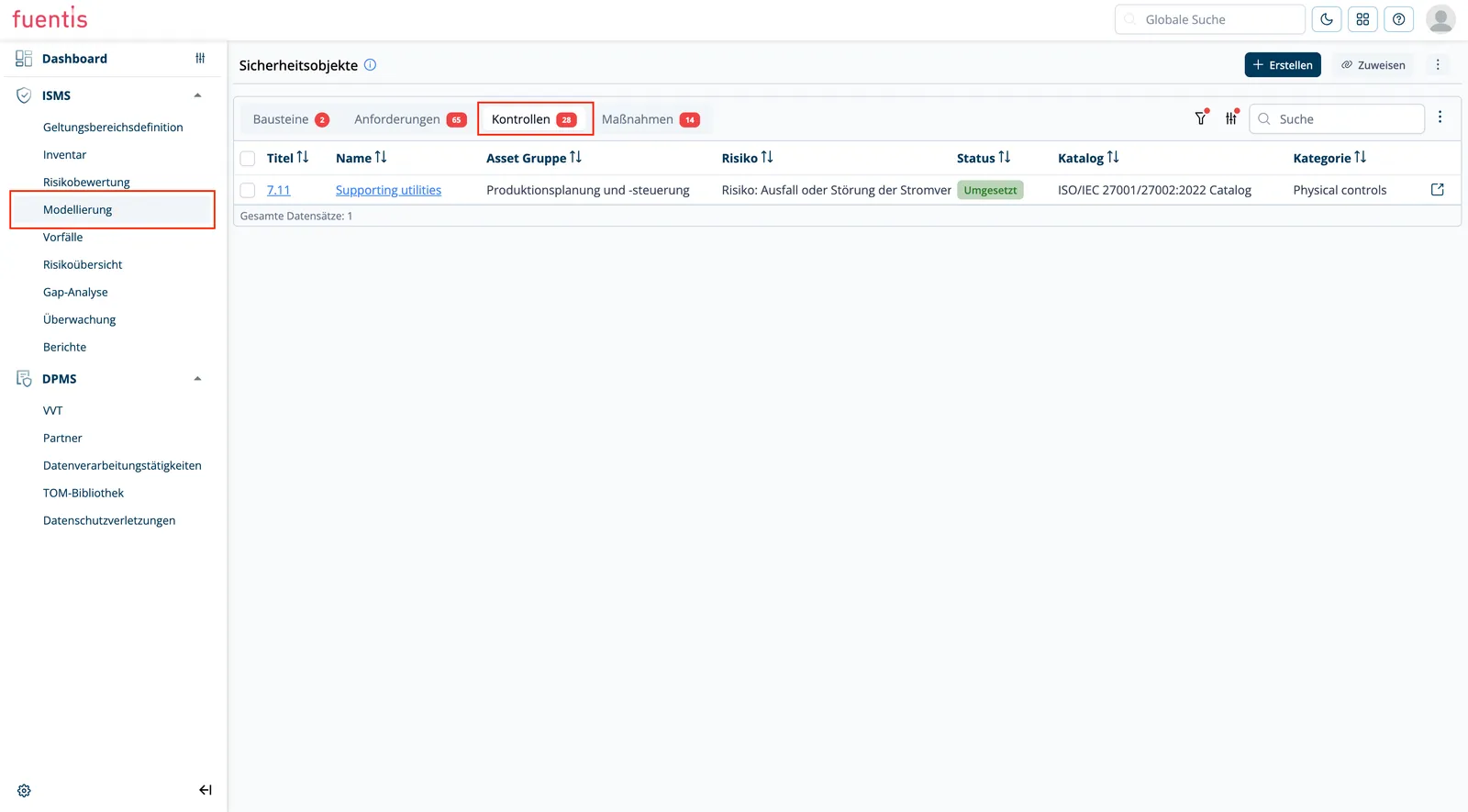
Section titled “4. Controls”Review mechanisms to validate measure implementation.
Properties:
- Review criteria and methods
- Audit cycles and evidence
- Effectiveness assessment
- Integration into continuous improvement management
Status Calculation and Assessment Logic
Section titled “Status Calculation and Assessment Logic”The fuentis Suite uses intelligent status calculation that automatically aggregates the implementation level:
Status Logic for Modules
Section titled “Status Logic for Modules”- UNDEFINED: At least one linked element has undefined status
- IMPLEMENTED: All linked elements are implemented or dispensable
- NOT IMPLEMENTED: All linked elements are not implemented
- PARTIAL: Mixed implementation status (standard case)
Practice Tip: Automatic status calculation enables real-time overview of security status. Use dashboard views for management reporting!
Note: Modules calculate from the total status of all linked requirements and measures.
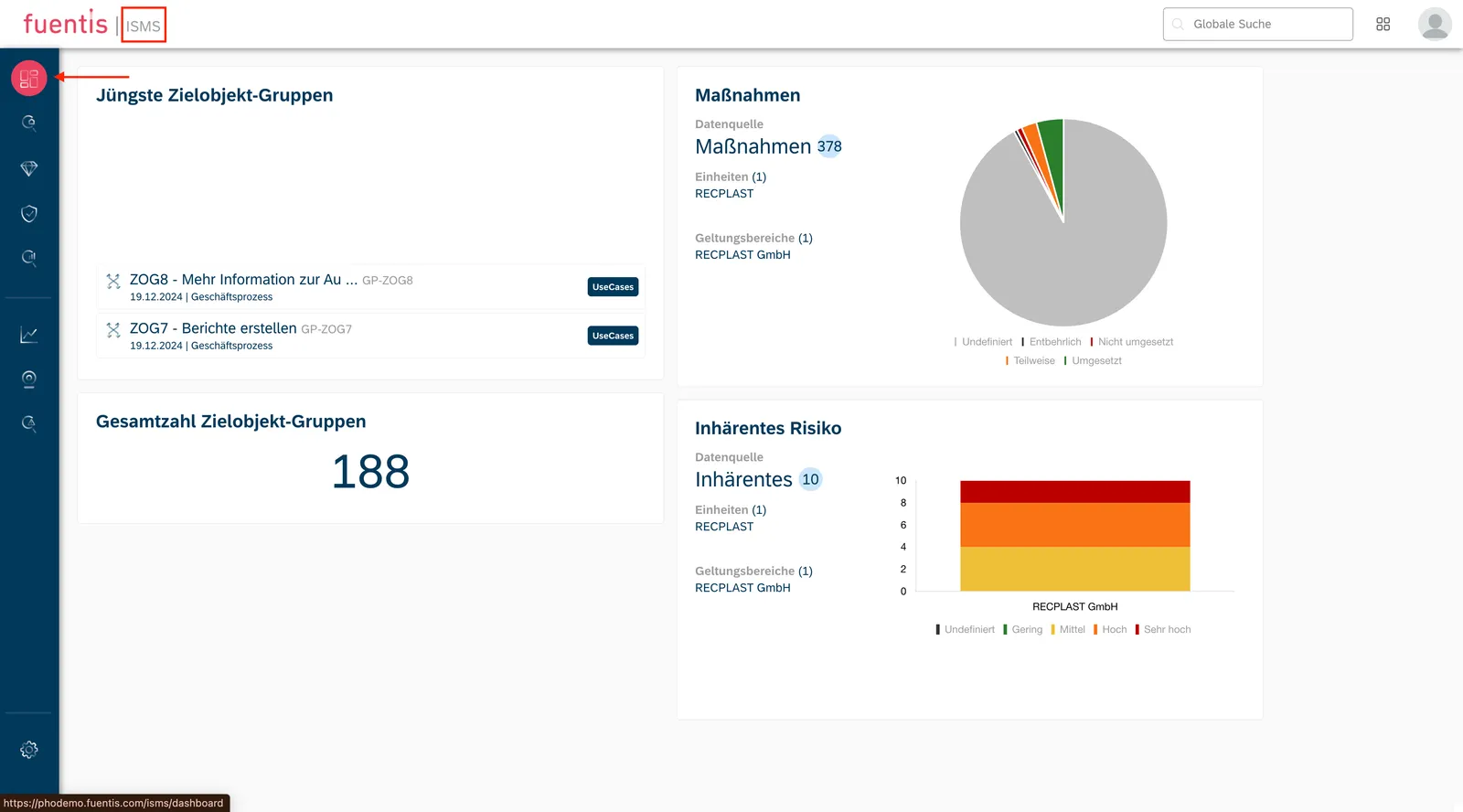
Assessment Cascading
Section titled “Assessment Cascading”Status propagates from bottom to top:
- Measures → Requirements
- Requirements → Modules
- Modules → TOG/Scope overall status
This cascading ensures that the overall status always reflects the weakest point (conservative principle).
Note: You can also shorten the chain directly at requirements and measures.
Working with the Security Check Phase
Section titled “Working with the Security Check Phase”Access Control and Permissions
Section titled “Access Control and Permissions”Access to the modeling phase is controlled through a granular permission system:
Global Role:
ISMS_SECURITY_CHECK_ACCESS: Basic requirement for access
Function-specific Permissions:
- Modules: Read, Create, Edit, Delete, Add Reference
- Requirements: Read, Create, Edit, Delete, Convert to Custom
- Measures: Read, Create, Edit, Delete, Link
- Controls: Read, Edit, Delete
- Review Questions: Create, Edit, Delete
Object Assignment and Referencing
Section titled “Object Assignment and Referencing”A central feature is flexible object assignment:
Direct Assignment:
- Catalog-based objects from standards (ISO, BSI)
- User-defined objects for specific requirements
Referencing:
- Reuse of already assigned objects
- Cross-TOG references for consistent requirements
- Avoidance of redundancies
Practice Tip: Use references for company-wide application! Defined once, applied multiple times.
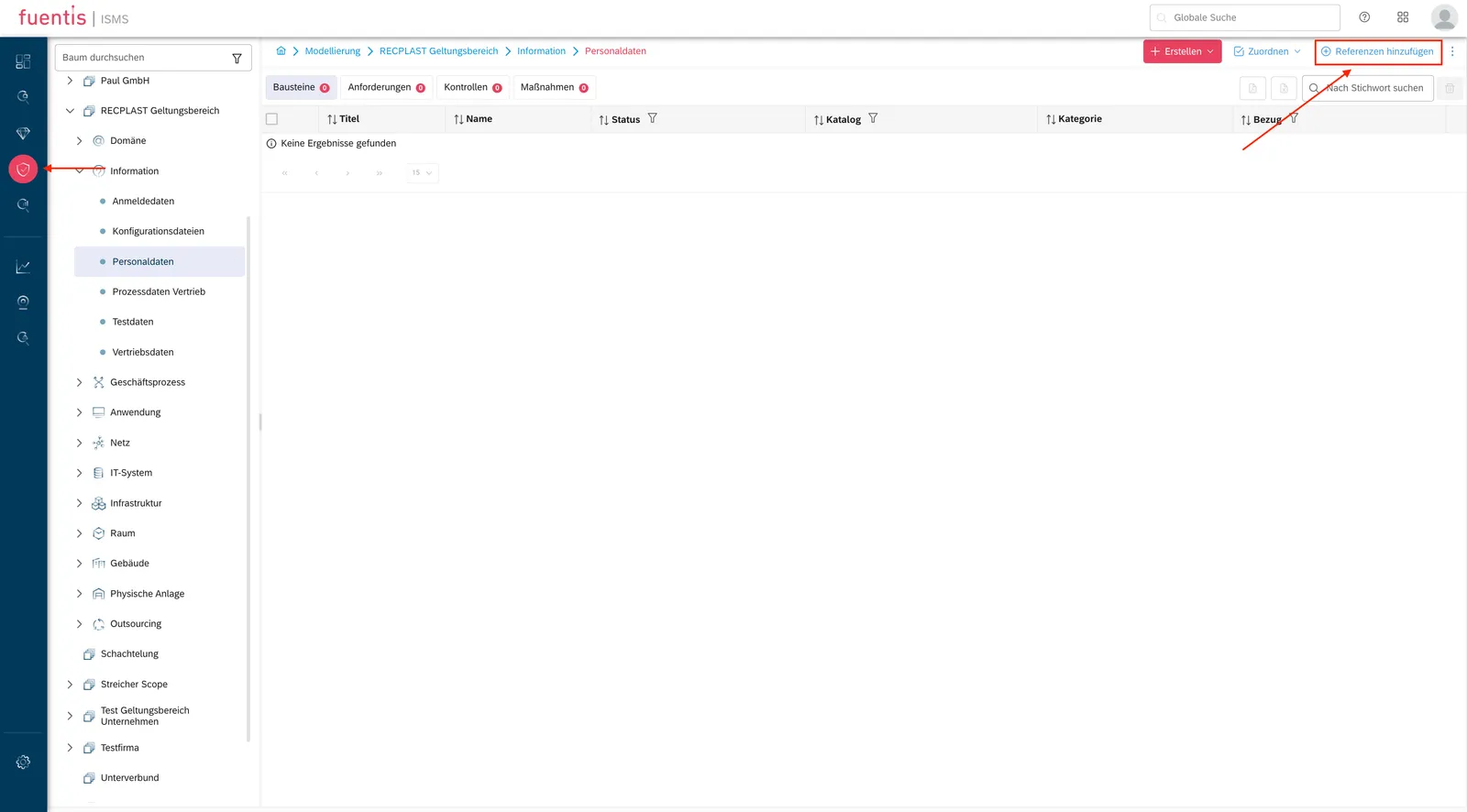
Assign or create?
Section titled “Assign or create?”Two buttons sit next to each other in a target object group’s tabs, and they do different things:
- Assign pulls an existing object out of a catalog, say control
5.18 Access rightsfrom the ISO catalog. The link to the catalog survives, so the object counts in the gap analysis. - Create makes a new object that belongs to no catalog. Right for internal rules, wrong as a shortcut for something the standard demands.
In the Assign dialog you pick the catalog first and search inside it.
Searching by number, 5.18, gets you there faster than searching by name.
The other route: out of a risk assessment
Section titled “The other route: out of a risk assessment”The same assignment happens when you attach a control to a risk. Because the risk belongs to a target object group, the control turns up here afterwards. How that works is described under Assigning a control from within the risk.
Two directions of travel, one set of data:
| Route | Starting point | When it fits |
|---|---|---|
| Modeling | target object group | The control belongs to the object’s baseline. |
| Risk assessment | a single risk | The control answers an assessed risk. |
Tracking implementation
Section titled “Tracking implementation”Open the object, Edit, set the implementation status to Implemented, Save. This status is the number that module status, scope status and the progress of the gap analysis all feed on.
Mind the order: assign every control that applies within the scope first, then track implementation. The other way round you watch your progress figure collapse every time another control is assigned.
Not every requirement belongs on every object
Section titled “Not every requirement belongs on every object”The worry everyone starts with: do I really have to walk through every requirement in the catalog for every application? No. What counts is that every requirement in the scope has been considered, not that every requirement hangs off every object. Which requirement suits which target object group is decided during structural analysis.
In practice you work with a standard set of requirements and measures per object type and add what is special. Where assignments repeat across target object groups, reference them instead of assigning them again. That keeps the model lean and the maintenance in one place.
Review Questions and Audit Integration
Section titled “Review Questions and Audit Integration”Review questions form the bridge between requirements and audits:
Functionality:
- Definition of specific review criteria per requirement
- Structured recording of audit results
- Evidence documentation and document management
- Automatic measure derivation for deviations
Best Practices for Implementation
Section titled “Best Practices for Implementation”1. Structured Approach
Section titled “1. Structured Approach”Phase 1: Foundation Modeling
- TOG structuring and scope definition
- Selection of relevant standard modules
- Initial status survey
Phase 2: Detailing
- Requirement adaptation to organizational context
- Definition of specific measures
- Responsibility assignment
Phase 3: Operationalization
- Implementation of measures
- Setup of controls
- Audit planning
2. Catalog vs. Custom Objects
Section titled “2. Catalog vs. Custom Objects”When to use standard catalogs?
- Basic compliance with ISO/BSI
- Industry standards
- Quick start
When to create custom objects?
- Organization-specific requirements
- Industry specifics
- Internal policies
3. Export/Import Workflow
Section titled “3. Export/Import Workflow”Offline editing enables:
- Bulk updates in Excel
- Review processes without system access
- Archiving for compliance evidence
Workflow:
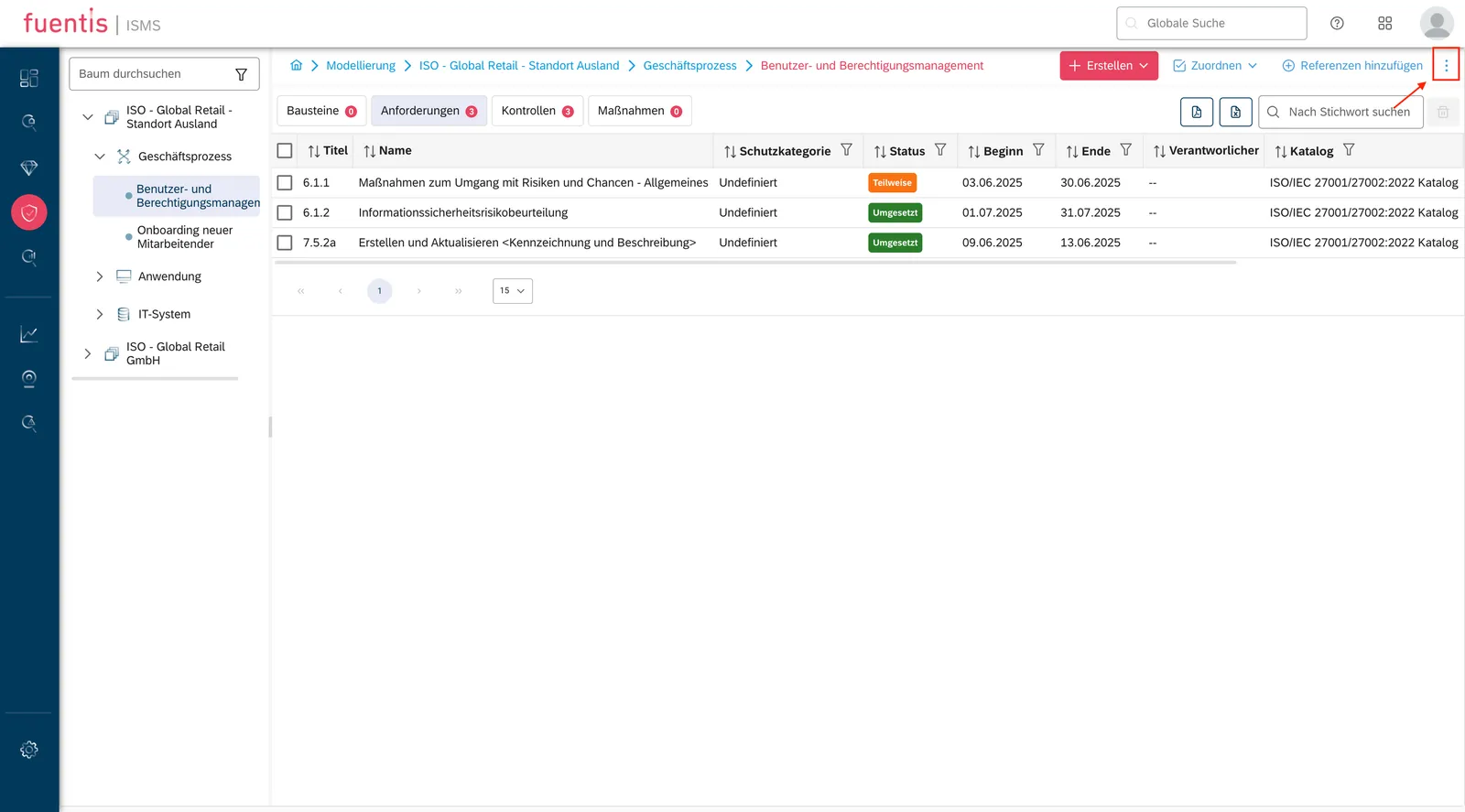
- Export of relevant security objects (e.g. modules)
- Offline editing in a structured format
- Validation before re-import
- Import with automatic consistency check
Important: The import can only be error-free if the exported file is imported into the same target object group from which it was originally exported.
Practical Tip: Use the export for quarterly reviews! Stakeholders can make changes in their familiar Excel environment.
How the fuentis Suite Supports
Section titled “How the fuentis Suite Supports”The fuentis Suite offers an integrated environment for ISMS modeling:
Automation & Efficiency
Section titled “Automation & Efficiency”- Automatic status calculation reduces manual effort
- Bulk operations for efficient mass maintenance
- Template-based object creation
Collaboration & Workflow
Section titled “Collaboration & Workflow”- Role-based access for distributed teams
- Comment functions for coordination
- Versioning for traceability
Reporting & Compliance
Section titled “Reporting & Compliance”- Dashboard visualizations for management
- Compliance reports for auditors
- Export functions for external stakeholders
Glossary
Section titled “Glossary”TOG (Target Object Group): Grouping of assets with similar security requirements
Scope: Area of application of the ISMS, defines organizational and technical boundaries
Security Object (SO): Generic term for modules, requirements, measures, and controls
Custom Object: User-defined security object outside of standard catalogs
Review Question (RQ): Structured review question for audit execution